Your words stay yours.
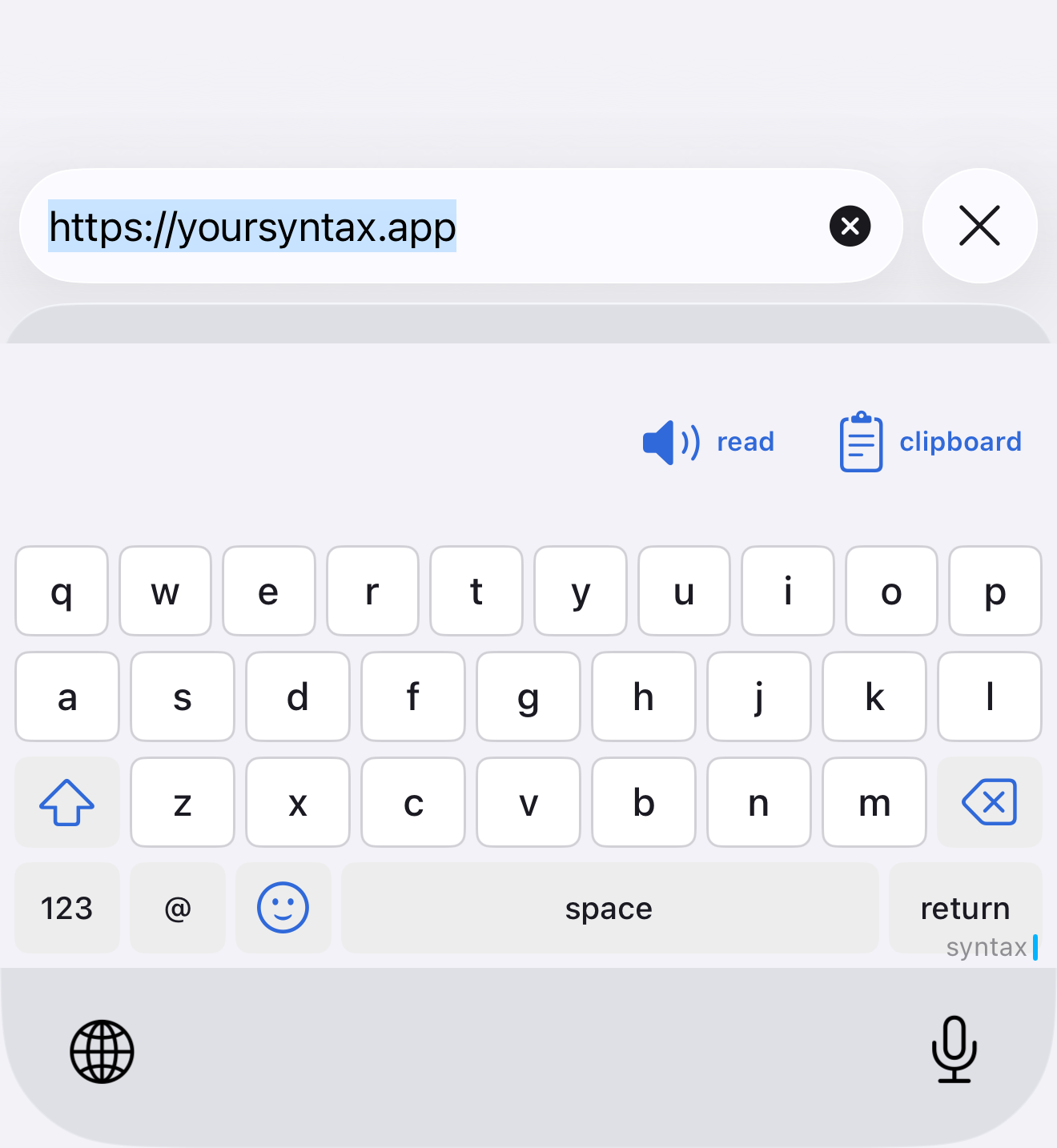
syntax is a keyboard for iPhone. It works everywhere you type.
Fully offline: your words, letter alternates on a long press, hold-to-repeat backspace, and read-aloud in your language's own voice — none of it leaves your device. Turn on Full Access and it can also make an image from an @image"..." prompt, pull a contact in with @contact, and keep a clipboard history that never leaves this phone.
Tell me when it’s on the App Store
- Without Full Access
- Types, offers letter alternates, repeats backspace when held, and reads your text aloud on-device. No account, no network.
- With Full Access
@image"a night harbor"generates an image into your draft;@contactinserts a person's card; your clipboard history stays on this device only.- With or without an account
- Sign in with your email if you want higher generation limits, or never sign in at all. The keyboard is complete either way.
What leaves your phone, and when
| What | Where it goes | When | Never |
|---|---|---|---|
| Keystrokes | nowhere | never | never logged, never sent |
| Clipboard history | stays on this phone | — | never uploaded or synced |
| Contacts | read on this phone for @contact |
when you pick a person | never sent, never stored by us |
| Your email address | Supabase, our sign-in provider | when you sign in | not sold, not used for ads |
| Your @image prompt | manymoats gateway, then fal.ai to make the image | when you confirm a prompt | never used to profile you |
| The model list | fetched from the manymoats gateway | when you open the image menu, cached five minutes | — |
The whole story is on the privacy page. It matches the code; if a change ever makes it wrong, the change is the bug.
syntax for iOS is a new app. Sign-in is optional and only ever raises your generation limits — everything else works without an account.
Build status 2026-09-15: version 1.0 (build 1) is built and Apple-signed; not yet submitted to the App Store — this page will say so when that changes.
In the works: browser sidekick
A syntax sidekick browser extension (developer preview 0.1.0) exists alongside the iOS keyboard: local clipboard history, @contact cards, and confirmed @image generations. Same rule as the keyboard — keystrokes never logged, history never leaves the browser, a prompt goes out only when you confirm it.
Sideloadable now from this site's /extension/ folder (see its sideloading notes). Not yet on the Chrome Web Store or Firefox AMO — this page will say so when that changes.